
Freelancers do not all need the same invoicing system. A consultant billing five long-term clients has a different workflow from a designer sending deposits, a developer tracking billable hours, or a solo business that also needs bookkeeping.
This guide compares six invoicing tools that fit common freelance workflows in the United States in 2026. The goal is not to push you toward the tool with the longest feature list. It is to help you avoid paying for software you do not need, while making sure the option you choose handles the parts of invoicing that cost you time. We compare current published pricing, invoice features, payment reminders, recurring billing, time tracking, client workflow, and the limits that matter when you work alone or with a small client list.
Pricing checked: September 18, 2026. Promotions and payment-processing fees can change, so confirm the current price on the provider’s website before subscribing.
Quick choice: start by deciding whether you need invoicing alone, tracked hours, bookkeeping, or a full client workflow. Compare the options below on that requirement, then check the cost for your client count and payment method before subscribing.
Best Invoicing Software for Freelancers: Quick Comparison
| Rank | Tool | Best for | Starting software price | Why it ranks here |
|---|---|---|---|---|
| 1 | Zoho Invoice | Best overall value for most solo freelancers | $0 | Free recurring invoices, reminders, time tracking, expenses, projects, and client portal |
| 2 | FreshBooks | Paid invoicing for hourly and service-based work | $23/month regular Lite price | Strong time tracking, expenses, estimates, payments, and polished client workflow |
| 3 | Wave | Free invoicing plus basic bookkeeping | $0 Starter; $19/month Pro | Unlimited free invoices and bookkeeping; some automation moves to Pro |
| 4 | Invoice Ninja | Low-cost flexibility and open-source control | $0 up to 5 clients; Pro $14/month | Time tracking, recurring billing, projects, portal, and low-cost unlimited-client upgrade |
| 5 | Bonsai | End-to-end freelance client workflow | $25/month Essentials; $19/month annually | Proposals, contracts, scheduling, CRM, projects, and invoicing in one system |
| 6 | Square | Freelancers already using Square payments | $0 | Unlimited invoicing and recurring billing, but less freelancer-specific outside payments |
How We Compared the Tools
This is not a feature-count ranking. A freelancer usually needs a smaller set of things to work reliably:
- Create and send a professional invoice quickly.
- See whether the invoice was sent, viewed, paid, or overdue.
- Send recurring invoices or payment reminders when the work repeats.
- Accept the payment methods your clients already use.
- Track billable time or expenses when that is part of your service.
- Keep the system simple enough that you will actually maintain it.
We used current provider pricing and feature documentation rather than assuming that every tool still works the way it did in older comparison articles. We also checked current independent reviews and recent freelancer discussions to see where documented features match real-world priorities. We did not open paid accounts for every product, so this article does not claim hands-on testing of every paid feature.
How the ranking works: the order gives the most weight to core invoicing and automation, then price/value for a solo freelancer, followed by time tracking and client workflow, limits, flexibility, and ease of use. The ranking is a starting point, not a command. A lower-ranked tool can be the better choice if it fits the way you already work and saves you from adding another unnecessary system.
1. Zoho Invoice: Strong Free Option for Dedicated Invoicing
Zoho Invoice is currently free in the United States. It includes professional invoices, recurring invoices, automated payment reminders, expense recording, project time tracking, quotes, a customer portal, and reports.
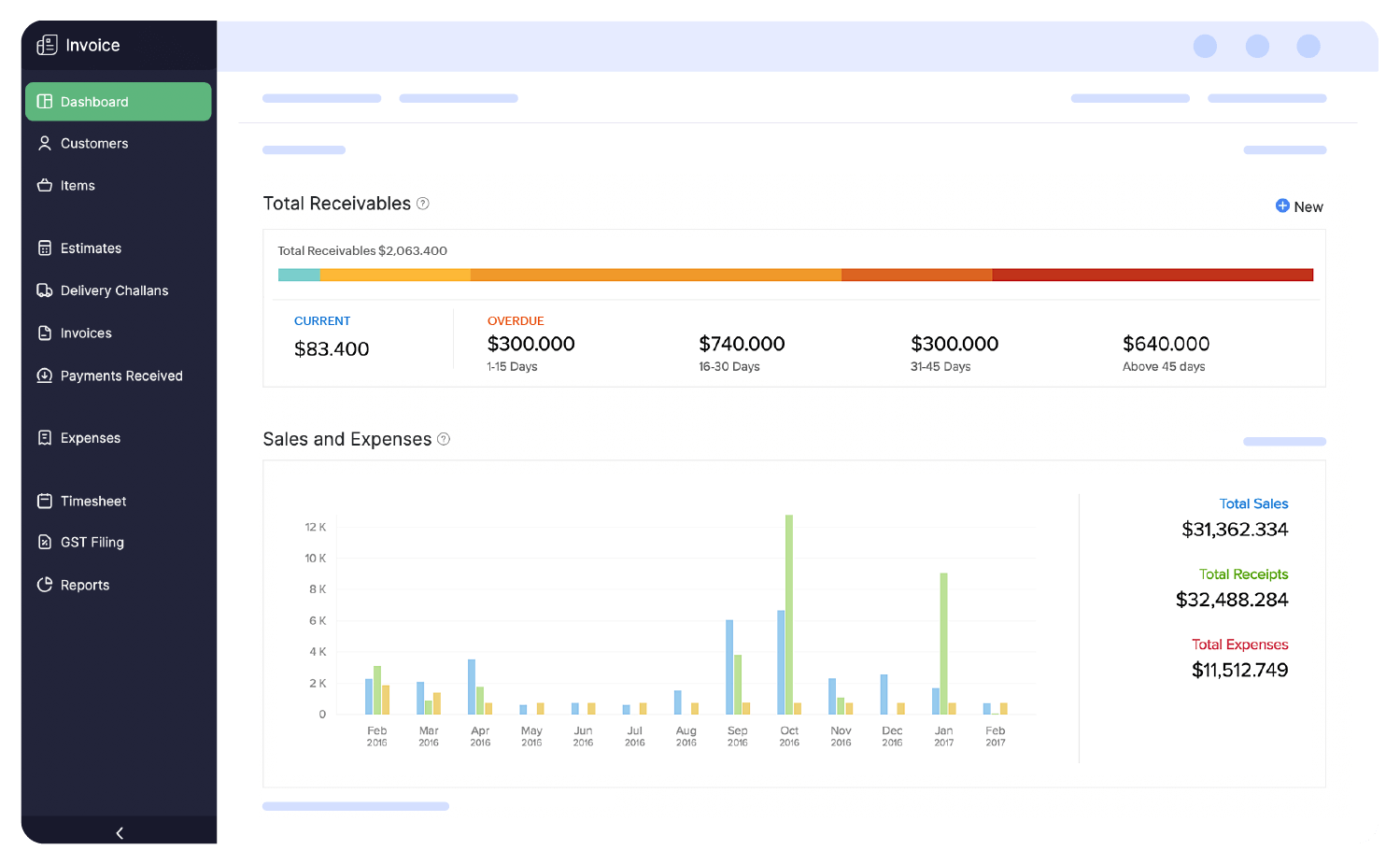
That makes it a practical fit for a freelancer who wants more than a PDF invoice generator but does not want to pay a monthly software subscription just to automate billing.
Why it fits freelancers
- You can create recurring invoices for retainers or repeating client work.
- Payment reminders reduce manual follow-up.
- Billable time can be tracked and added to invoices.
- The client portal gives customers one place to review invoices, quotes, and project information.
- There is no monthly software charge for Zoho Invoice itself.
What to check before choosing it
Zoho Invoice connects naturally with other Zoho products. That is useful if you already use Zoho CRM, Books, or other tools. The free plan also has limits you should check before committing: Zoho currently lists up to 500 invoices per year, 3 projects, and 2 users. For many solo freelancers that is generous enough, but a high-volume freelancer can outgrow it. If you are close to those limits, compare the next options now rather than rebuilding your billing process later.
Choose Zoho Invoice if: you want a capable free invoicing platform, your invoice volume fits its current limits, and you value recurring invoices, reminders, time tracking, and a client portal without a monthly software bill. Skip it if: you expect to exceed those limits soon or you specifically want bookkeeping built into the same product.
2. FreshBooks: Best Paid Option for Time-Based Freelance Work
FreshBooks is a paid invoicing and accounting platform with regular US list prices of $23 per month for Lite, $43 for Plus, and $70 for Premium. FreshBooks frequently runs temporary promotions, so the price you see during signup may be lower than the normal list price.
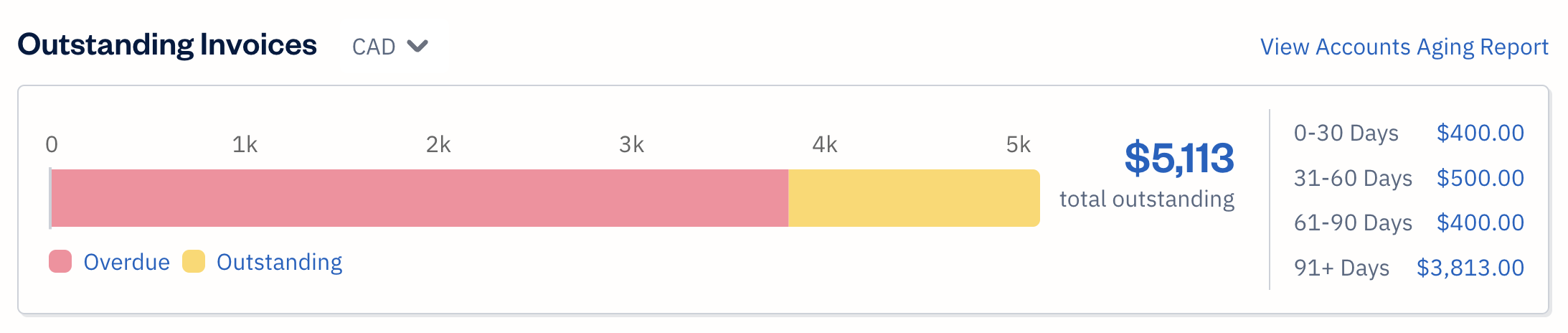
For freelancers, one of the strongest reasons to consider FreshBooks is the connection between time tracking and invoicing. If you bill by the hour, you can track time and move billable hours into the invoice workflow instead of maintaining separate time records.
Why it fits freelancers
- Time tracking is built into the workflow.
- You can create invoices and estimates and accept online payments.
- Expense tracking can sit beside client billing.
- Mobile tools are useful if you invoice away from your desk.
The main limitation
FreshBooks prices lower plans partly by client count. The Lite plan currently supports up to 5 billable clients. That can work well for a consultant with a small recurring client base, but it is poor value if you regularly invoice many different customers. Check your real active-client count before paying for Lite.
Choose FreshBooks if: you bill by time, want expenses and accounting features around invoicing, and the client limit of your chosen plan fits your business. Skip it if: you mainly need simple invoices and reminders, because a free option may solve the same problem.
3. Wave: Best for Free Invoicing Plus Basic Bookkeeping
Wave offers a $0 Starter plan and a Pro plan listed at $19 per month or $190 per year in the United States. The free Starter plan includes unlimited estimates, invoices, bills, and bookkeeping records.
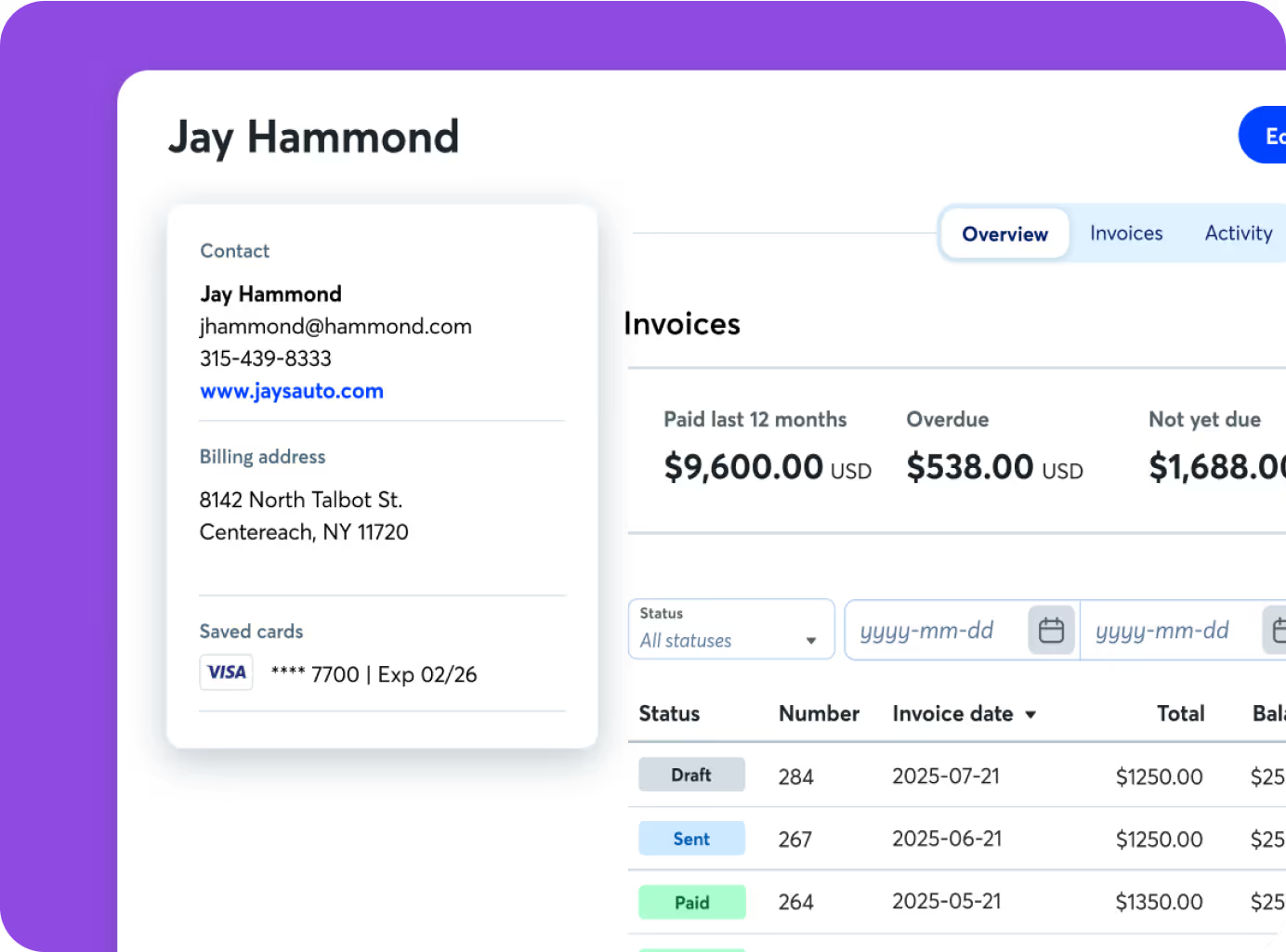
Wave is different from a dedicated invoice-only tool because invoicing and bookkeeping live in the same system. That can reduce duplicate admin work when you want invoice payments and basic financial records connected.
Why it fits freelancers
- The Starter plan lets you send unlimited invoices without a monthly subscription.
- Bookkeeping records and customer information sit beside invoicing.
- Online payments can be connected to invoices.
- Wave has a mobile invoicing workflow.
Where the free plan stops
Wave reserves more automation for Pro. Its current Pro plan adds features such as automated late-payment reminders, automated bank-transaction handling, and expanded receipt tracking. Payment-processing fees also apply when clients pay through Wave.
Choose Wave if: you are a US freelancer who wants free invoicing and basic bookkeeping in one place. Skip or upgrade carefully if: automated reminders, receipt workflows, or other Pro features are the reason you are switching. Check whether those time savings justify the monthly fee for your volume of work.
4. Invoice Ninja: Best for Low-Cost Flexibility and Open-Source Control
Invoice Ninja has a free hosted plan for up to five clients with unlimited invoicing. Its Pro plan is currently $14 per month and removes the client limit while adding more branding and communication options.
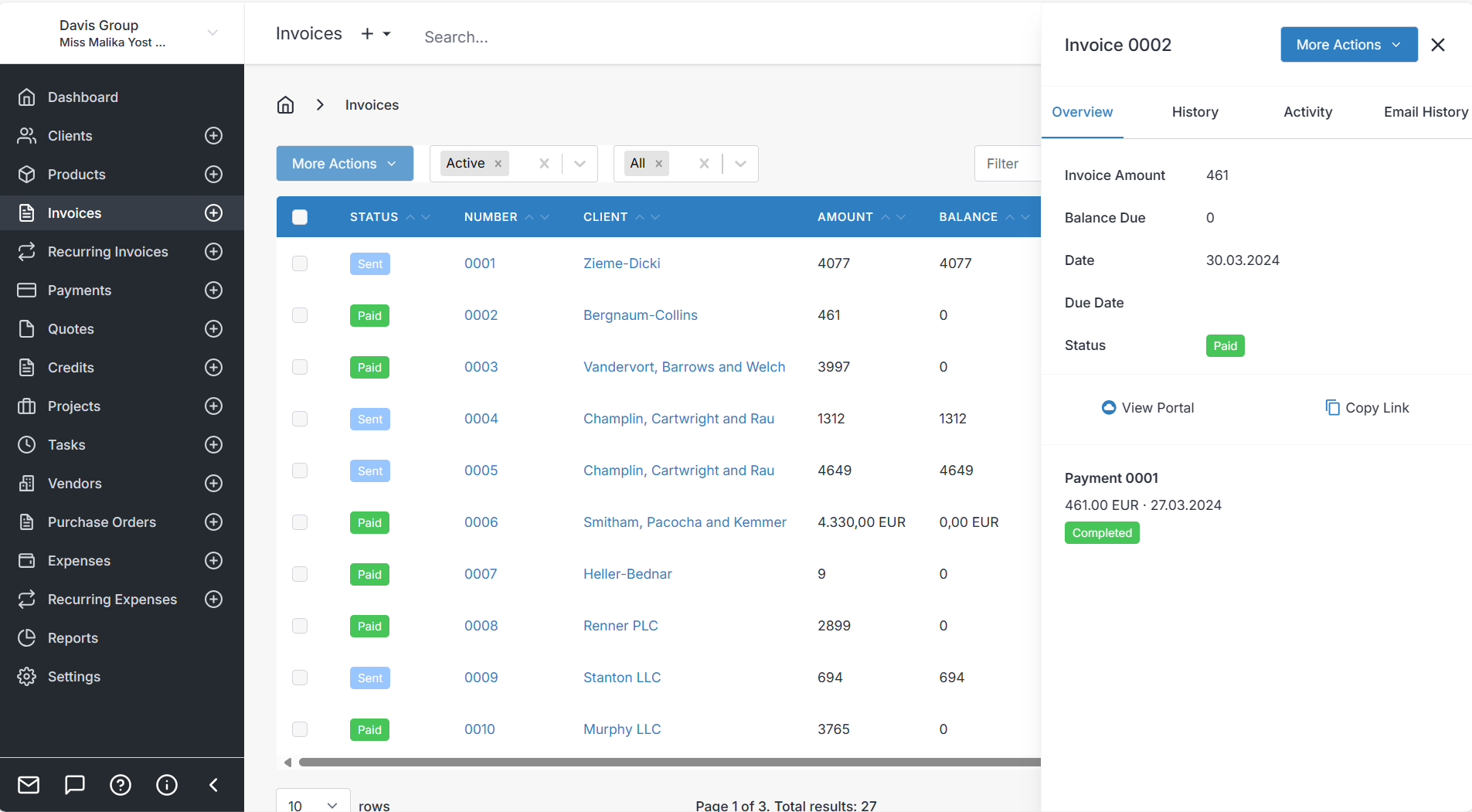
The free plan already includes features that are often paid elsewhere, including recurring invoices, online payments, projects, time tracking, expense tracking, deposits, partial payments, and a client portal.
Why it fits freelancers
- The free plan is useful if your active client list is small.
- Project and time tracking are available alongside invoices.
- Recurring billing and deposits support common freelance payment structures.
- Self-hosting is available for users who want more technical control.
The main trade-off
Invoice Ninja gives you more flexibility than a simple invoice app, but that also means more settings and choices. A freelancer who wants the fastest possible setup may prefer Zoho Invoice, Wave, or Square.
Choose Invoice Ninja if: you have five or fewer active clients on the free hosted plan, want strong invoice features at a low cost, or value self-hosting and control. Skip it if: you want the simplest possible setup and do not benefit from the extra flexibility.
5. Bonsai: Best for an End-to-End Freelance Client Workflow
Bonsai goes beyond invoicing. Its Essentials plan includes invoices and payments, proposals and contracts, templates, forms, scheduling, a client portal, expense tracking, and income tracking.
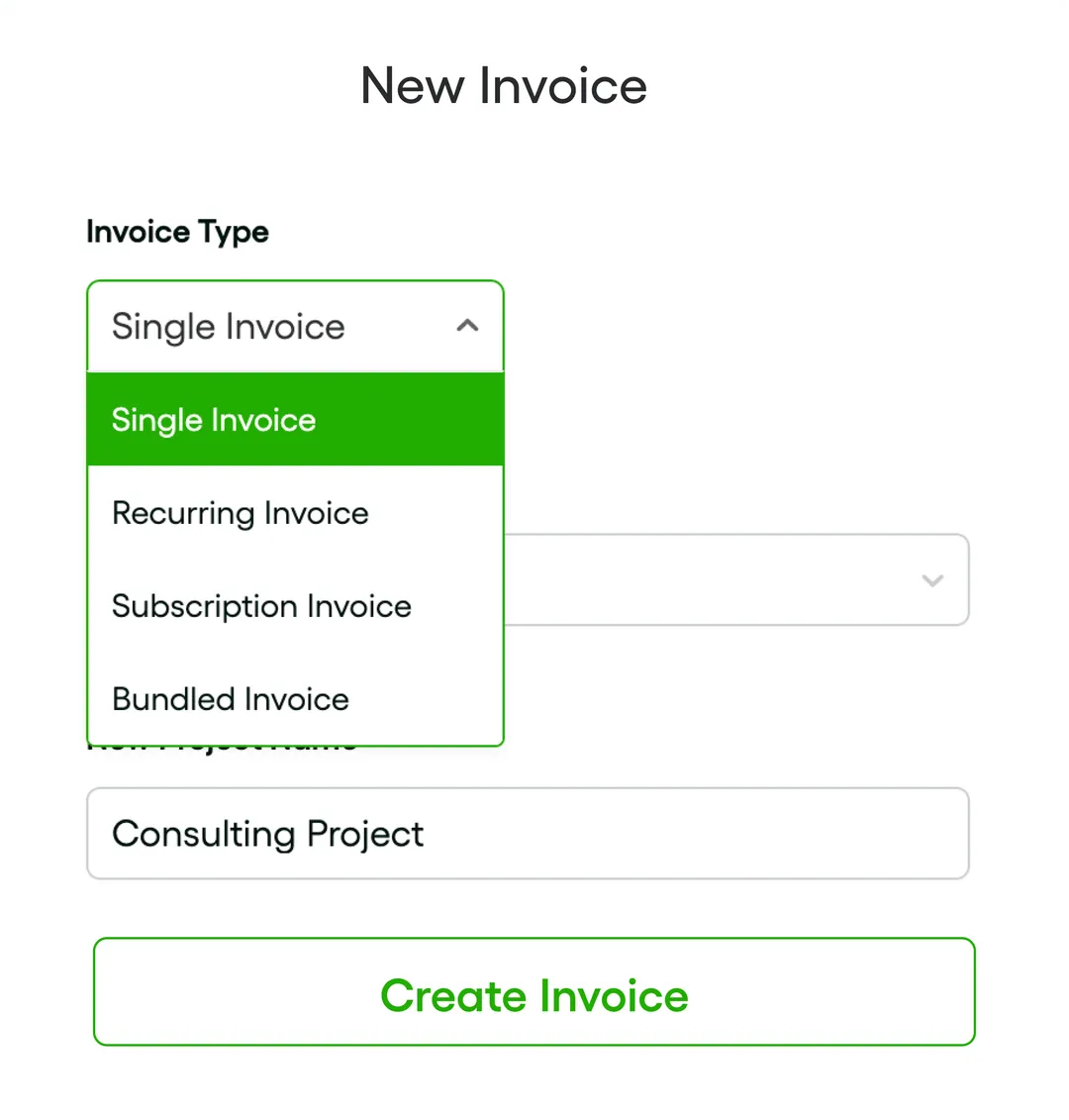
Current pricing lists Essentials at $25 per user per month when paid monthly, or $19 per user per month when billed annually. The cheaper Basic plan includes project and CRM features but does not include invoicing and payments.
Why it fits freelancers
- Lead and client information can stay in the same workflow as proposals and invoices.
- Contracts and proposals are built into the same platform.
- Scheduling and a client portal reduce the number of separate tools you need.
- It works well for service businesses where billing is only one part of the client process.
When it is too much
If all you need is to send invoices and track payment status, Bonsai can be more system than necessary. The value is stronger when you also need proposals, contracts, scheduling, project management, or client communication.
Choose Bonsai if: proposals, contracts, scheduling, projects, and invoicing are all part of your normal client workflow. In that case, replacing several separate tools can justify the subscription. Skip it if: invoicing is the only problem you need to solve.
6. Square: Best if Payments Are Already Part of Your Workflow
Square Invoices is part of Square’s wider payments platform. Square Free has no monthly software fee and supports digital invoices, estimates, recurring invoices, and payment collection.
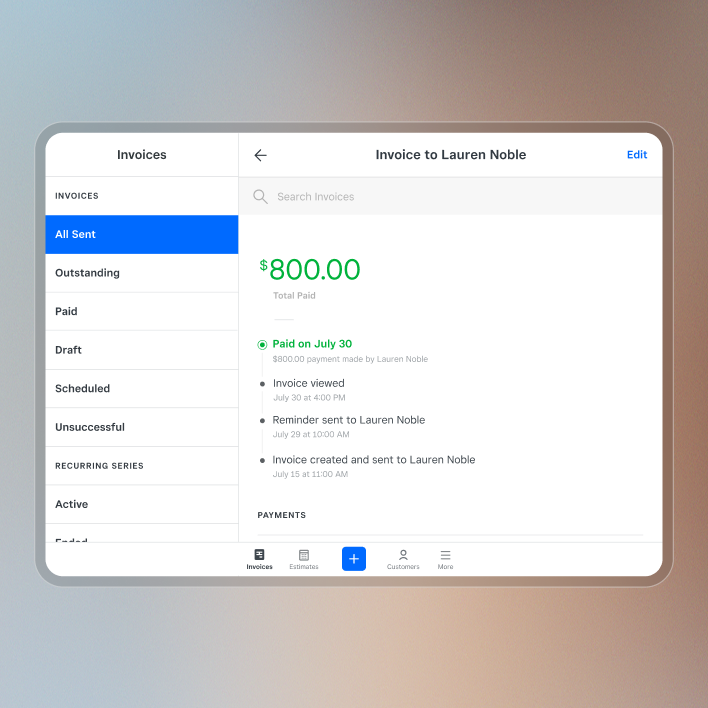
For a solo freelancer who mainly needs invoicing, start with Square’s free invoicing option and compare the payment-processing costs that apply to the way your clients pay. You do not need a more expensive Square setup just because it exists; upgrade only if the extra Square features solve another real business need.
Why it fits freelancers
- It works naturally if you already accept Square payments.
- You can send invoices from a dashboard or mobile device.
- Recurring invoices and automatic reminders reduce manual chasing.
- It supports card and ACH payment workflows in the United States.
What matters more than the subscription price
The free software plan does not make payment processing free. Square charges processing fees when clients pay electronically, and the exact rate depends on payment method and your Square plan. Before choosing it, compare those fees against your average invoice size and how your clients prefer to pay. For a freelancer sending larger invoices, payment fees can matter more than the monthly software price.
Choose Square if: you already use Square, take in-person payments, or want invoicing tied directly to the same payment system. Skip it if: you do not use the rest of Square and another invoicing tool gives you a better client or time-tracking workflow.
Which Invoicing Software Should a Freelancer Choose?
Start with the workflow, not the brand name.
- If you want a dedicated free invoicing system: start by comparing Zoho Invoice and Wave.
- If you also want bookkeeping: Wave is the more natural first comparison.
- If you bill by the hour and want a paid accounting workflow: FreshBooks deserves a closer look.
- If proposals and contracts are part of every client job: Bonsai can replace several separate tools.
- If you want open-source flexibility or self-hosting: Invoice Ninja is the specialist option.
- If clients already pay you through Square: keeping invoicing in the same payment system can simplify the process.
Do not choose a tool only because it has the longest feature list. Every extra system requires setup, maintenance, and another place where client information can become outdated.
When a Spreadsheet Is Still Better Than Invoicing Software
Software is useful when you need invoices to be created, sent, reminded, and paid inside one workflow. A spreadsheet is often enough when you already create invoices elsewhere and only need a clear internal record of what was sent and what is still unpaid.
If that is your situation, use the Google Sheets invoice tracker to keep invoice numbers, clients, due dates, amounts, status, and outstanding balances in one place.
If overdue payments are the main problem, the Excel unpaid and overdue invoice tracker is focused specifically on follow-up and aging. If you already have invoicing software and want to reduce repeated billing, reminder, and payment-status work, use the invoice automation guide.
When It Is Time to Move From a Spreadsheet to Software
A spreadsheet starts becoming inefficient when the repeated work around it is larger than the tracking itself. Common signs include:
- You manually send the same reminder emails every month.
- You have recurring clients and keep rebuilding similar invoices.
- You need clients to pay directly from the invoice.
- You track billable hours in one tool and copy them into invoices manually.
- You regularly lose the connection between a client, proposal, contract, project, and invoice.
- Several people need controlled access to the billing workflow.
At that point, automation has a clearer purpose. The software is not valuable because it is more advanced. It is valuable because it removes repeated administrative steps.
How This Fits With Your Existing Admin System
Your invoicing tool should not become a separate island. Client names, payment status, project details, and follow-up actions should connect to the rest of your administrative workflow.
If you still manage client information in a spreadsheet, the Google Sheets client tracker gives you a simple record of contacts and follow-up. If the bigger problem is how information moves between tools and people, see the document workflow automation guide.
Need help building a cleaner invoice, client, or spreadsheet workflow around your existing tools? See Simple Office AI services.
Frequently Asked Questions
What is the best free invoicing software for freelancers?
Zoho Invoice and Wave are two strong free starting points for US freelancers. Zoho Invoice is focused on invoicing and client billing features, while Wave combines free invoicing with basic bookkeeping. The better fit depends on whether you want a dedicated billing system or invoicing tied to financial records.
Is Wave still free for invoicing in 2026?
Yes. Wave’s Starter plan is currently $0 and includes unlimited estimates, invoices, bills, and bookkeeping records. Wave also offers a paid Pro plan with additional automation and receipt features.
Is Zoho Invoice really free?
Zoho’s US pricing page currently lists Zoho Invoice at $0. It includes invoices, recurring billing, reminders, quotes, expenses, time tracking, projects, and a customer portal. The free plan is not unlimited: Zoho currently lists up to 500 invoices per year, 3 projects, and 2 users. Check those limits against your own workload before building your billing process around it.
Do freelancers need accounting software to send invoices?
No. You can use a dedicated invoicing app, accounting software with invoicing, or a separate invoice-creation method plus a spreadsheet tracker. Accounting software becomes more useful when you want invoicing, expenses, bank transactions, and financial reporting connected.
What should I check before paying for invoicing software?
Check the number of billable clients allowed, recurring invoice features, payment-reminder automation, payment-processing fees, time tracking, integrations, export options, and whether you actually need the extra features in the paid plan.
Can I manage invoices in Google Sheets instead?
Yes, if you mainly need internal tracking rather than automated invoice delivery and payment collection. A spreadsheet works well for invoice number, client, issue date, due date, amount, payment status, and overdue follow-up. It becomes less efficient when you need recurring billing, automatic reminders, integrated payments, or client portals.