Invoices & payments
Know what is paid, unpaid, or overdue without searching through scattered files.

Practical Excel and Google Sheets systems for invoices, expenses, clients, inventory, and everyday office work.
Know what is paid, unpaid, or overdue without searching through scattered files.
Build a clean monthly record that is simple to update and easy to review.
Keep essential business information organised with practical, reusable trackers.
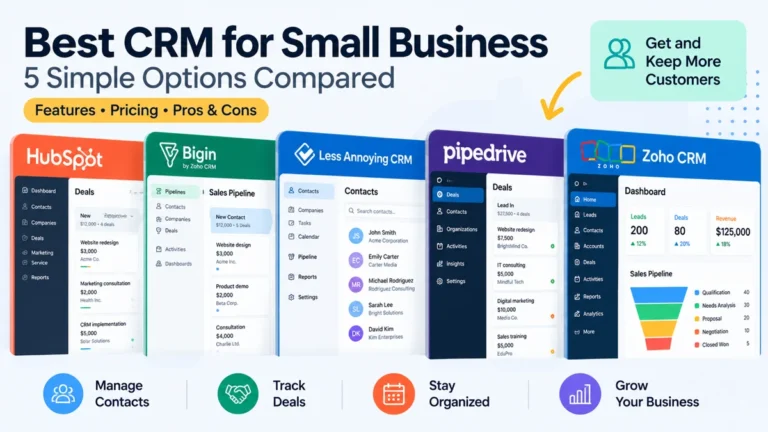
Compare five practical CRM options for freelancers and small service businesses, including their best uses, trade-offs, and when a spreadsheet is enough.
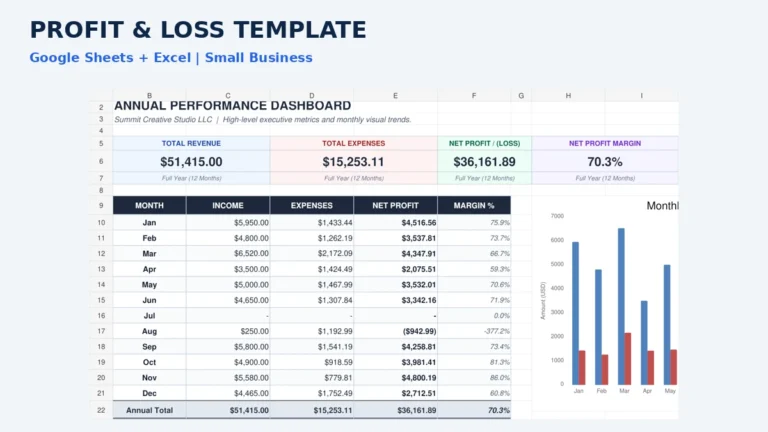
Record income and expenses in a simple profit and loss template, review category totals for each month, and see annual profit in Google Sheets or Excel.
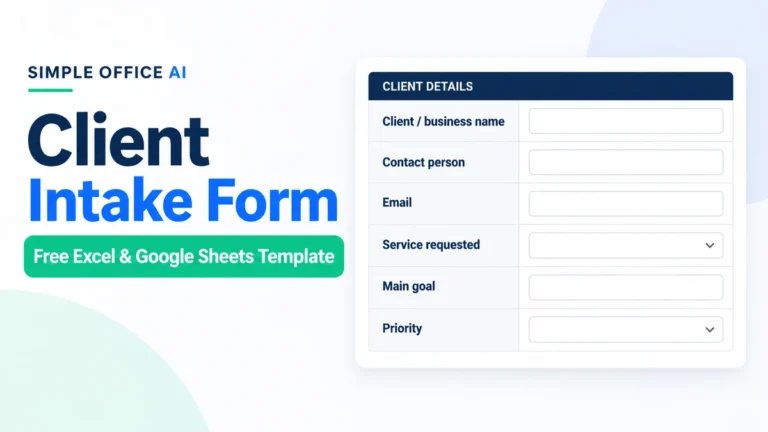
Use a free client intake form to collect contact details, scope, budget, dates, and the next action before accepting a new request. Includes Excel and Google Sheets versions.
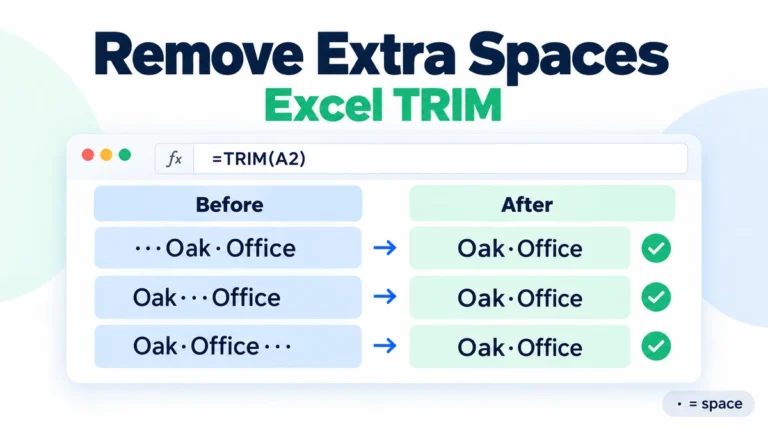
Use TRIM to remove leading, trailing, and repeated spaces in Excel. Fix nonbreaking spaces and preserve the original data before replacing formulas with values.
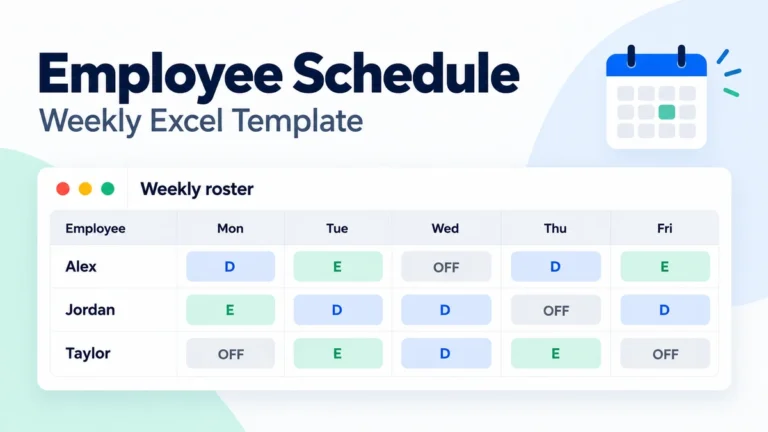
Plan weekly staff shifts in Excel with a free employee schedule template, configurable shift times, unpaid breaks, and planned-hour totals.
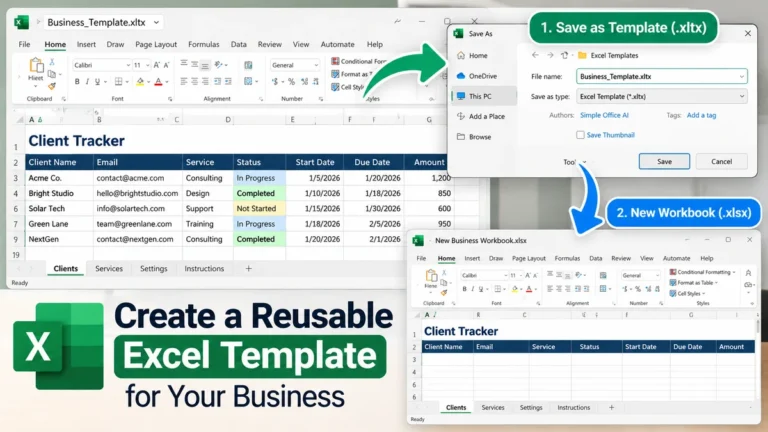
Learn how to make a reusable Excel template with clear inputs, formulas, dropdowns, a clean .xltx master, and separate working files.
Get help with invoice trackers, expense records, client lists, inventory sheets, and simple dashboards.
View spreadsheet services