

When a lead fills in your contact form, who copies the details into your client list? Who tells the right person to follow up? Business process automation software can handle those handoffs, but the right tool depends on whether you need a simple connection between apps or a process with approvals and assigned owners.
Quick answer: Start with Zapier for a straightforward app-to-app task. Choose Make when the route branches or needs more control. Power Automate fits teams already working in Microsoft 365. n8n suits someone comfortable maintaining technical workflows. Pipefy is the clearest fit here when requests, owners, approvals, and status tracking are the main job.
Business process automation software: quick comparison
Prices and plan details were checked on September 24, 2026. They are vendor list prices, can change, and may exclude taxes. Compare the actual workload before buying: the five tools count usage in different ways.
| Software | Best fit | Free option | Paid entry | Skill needed | Main constraint |
|---|---|---|---|---|---|
| Zapier | Quick connections between familiar apps | 100 tasks/month; two-step Zaps | Professional from $19.99/month on the displayed annual-billing selection | Low | Usage is task-based; complex steps can use tasks at different rates |
| Make | Visual workflows with branches and filters | 1,000 credits/month | Core $12/month for 10,000 credits at the displayed selection | Low to medium | Several module actions can consume several credits per run |
| Power Automate | Microsoft 365 processes and connectors | 30-day trial; check existing license entitlements separately | Premium $15/user/month, paid yearly | Medium | Premium connectors and unattended desktop automation have different licensing needs |
| n8n | Custom logic with a technical owner | Self-hosted Community Edition; hosting and maintenance are your responsibility | Cloud Starter €20/month, billed annually, for 2,500 executions | Medium to high | Cloud trial is temporary; self-hosting needs upkeep |
| Pipefy | Requests, approvals, and process tracking | Starter: up to 5 processes, 10 users; basic automation | Business: contact sales | Low to medium | Starter has 15 automation jobs/month; paid price is not public |
Pricing note: These are different billing units, not equivalent quantities. Zapier counts tasks, Make counts credits, n8n Cloud counts workflow executions, Power Automate Premium is licensed per user, and Pipefy separates seats and automation limits. See each linked pricing page before purchasing.
What does business process automation software do?
A task automation takes care of one action, such as adding a form response to a spreadsheet. A workflow connects several actions, such as saving the response, creating a task, and sending a notification. A business process also needs a clear owner, a rule for exceptions, and sometimes a person’s approval before the next step.
You may not need a large process platform. If a form submission only needs to create a row and alert you, a simple app connection is enough. If a request needs review, reassignment, a decision, and a record of what happened, look at structured process software.
Five business process automation tools for small teams
Zapier: quick app-to-app automation
Best for: A solo operator or small team that wants a simple connection running quickly. A new inquiry could create a contact in a CRM and notify the person handling sales. That is an example workflow to build, not a claim that every app supports every action.
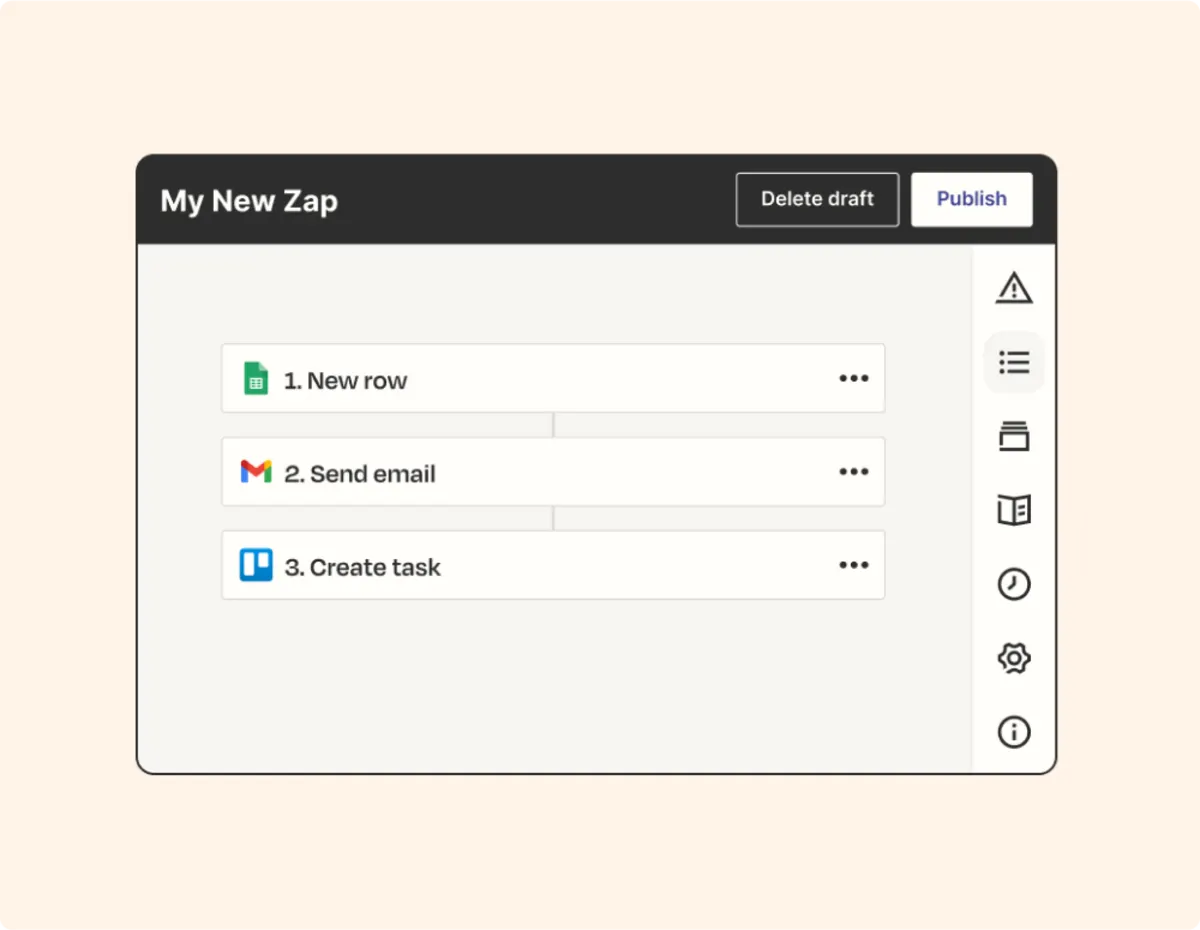
The Free plan has 100 tasks a month and two-step Zaps. Professional adds multi-step Zaps and starts at $19.99 a month with the annual-billing option shown when checked. Zapier now uses a shared task pool across workflows and certain AI or code actions; the rate can vary by action. Estimate your monthly events and steps before you commit. Check Zapier’s plans.
Choose it if: ease of setup matters more than intricate process logic. Watch for: task usage as the workflow and volume grow.
Make: visual branching across apps
Best for: A workflow with conditions, filters, and multiple routes. For example, a form could send a new client to onboarding while sending an existing client’s request to a support queue.

Make’s Free plan includes 1,000 credits a month and a 15-minute minimum interval between scheduled runs. Core was displayed at $12 a month for 10,000 credits; the price depends on the credit quantity and billing selection. Its visual builder includes routers and filters. A route with several modules can use several credits each time it runs, and some AI features may use more. Check Make’s plans and credit rules.
Choose it if: you want to inspect each branch visually. Watch for: a scenario that becomes hard to maintain as more branches are added.
Microsoft Power Automate: Microsoft 365 workflows
Best for: A team using Outlook, SharePoint, Teams, and Microsoft forms or data. A request could reach an assigned reviewer, then update a list after a decision. Check the exact connectors and license entitlements for your particular flow before setting it up.
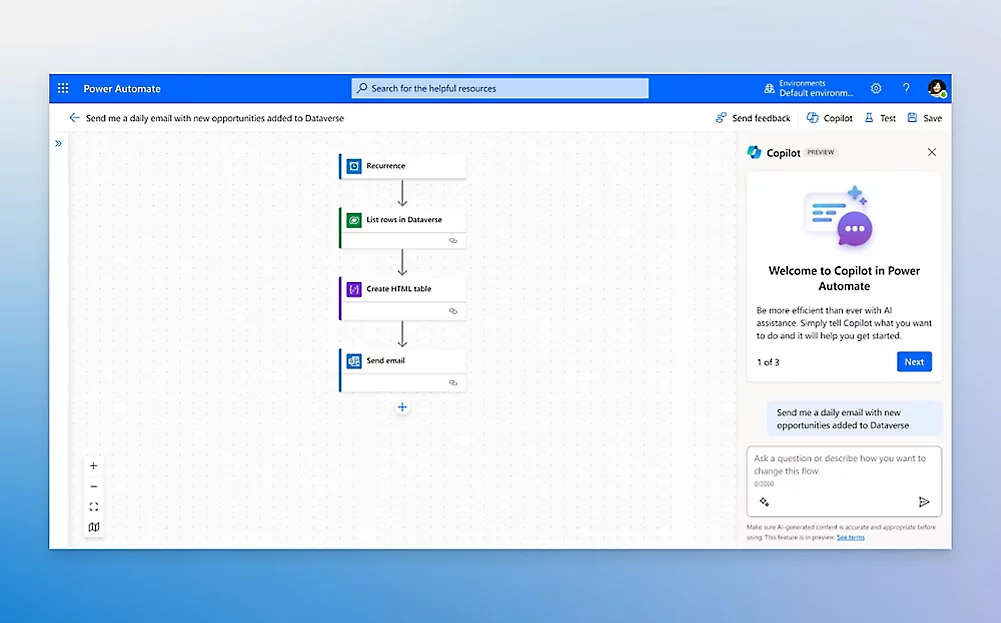
Microsoft lists a 30-day trial. Power Automate Premium is $15 per user per month, paid yearly. Premium includes cloud flows and attended desktop flows. Unattended desktop automation is priced separately as a Process or Hosted Process license, so the $15 figure must not be read as an all-inclusive bot price. Check Microsoft pricing.
Choose it if: your team already works in Microsoft 365 and someone can manage permissions and connections. Watch for: connector and desktop-flow licensing.
n8n: custom workflows with a technical owner
Best for: A business with someone able to build, monitor, and repair workflows that need API calls or custom logic. One possible use is to check a request, update a database, and send different notifications based on its status.
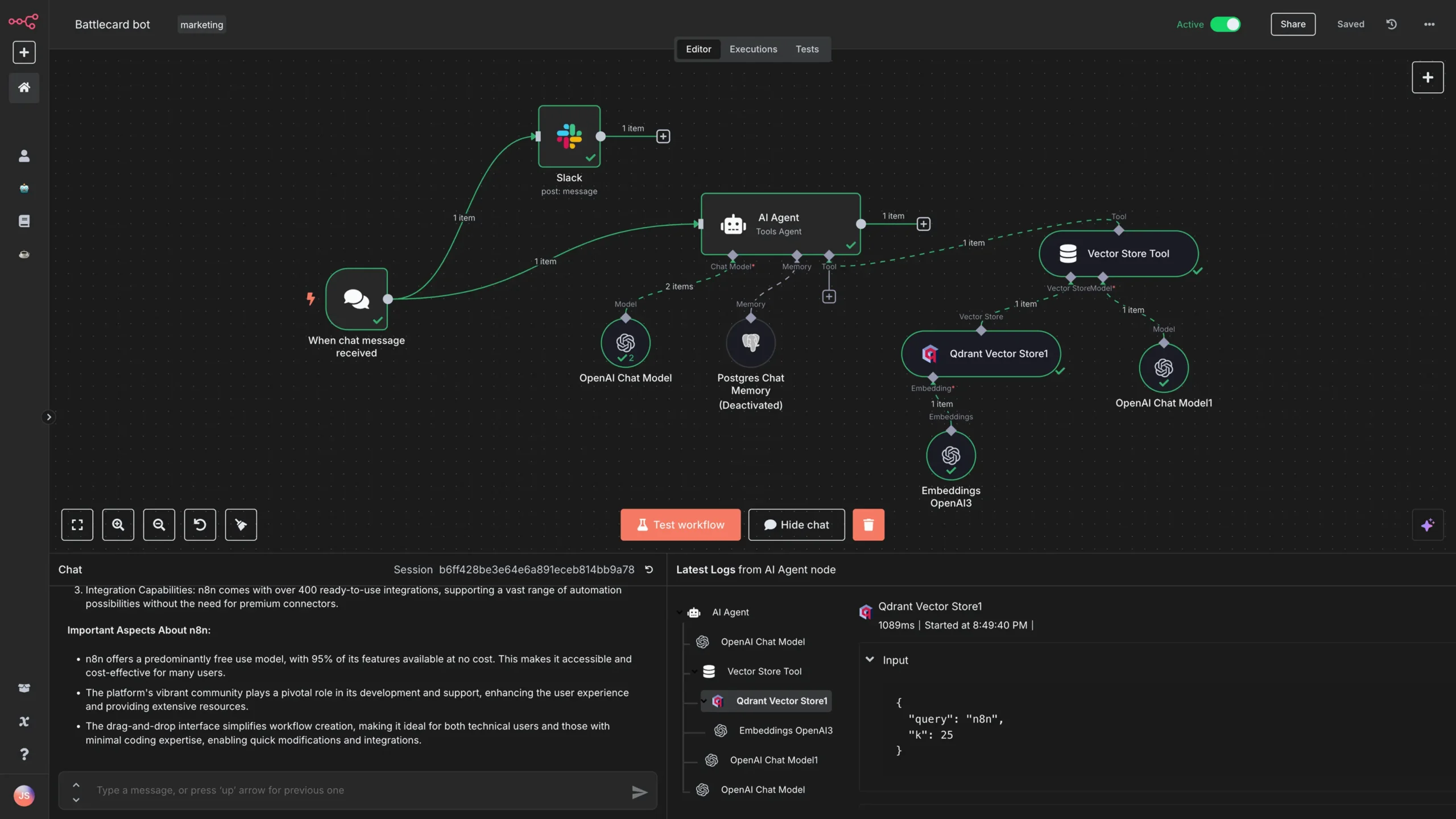
n8n offers a self-hosted Community Edition; you still need to provide infrastructure and maintain it. Hosted Starter was listed at €20 a month billed annually for 2,500 workflow executions with unlimited steps. A free Cloud trial is available, but it is not a permanent free hosted plan. Check n8n’s plans.
Choose it if: a technical person will own the workflow long term. Watch for: operational work such as credentials, errors, backups, and hosting.
Pipefy: requests and approvals
Best for: A team that receives requests and needs to see who owns each one, its stage, and the next decision. A purchase request, for example, may need submission, manager approval, fulfillment, and a visible completion status.
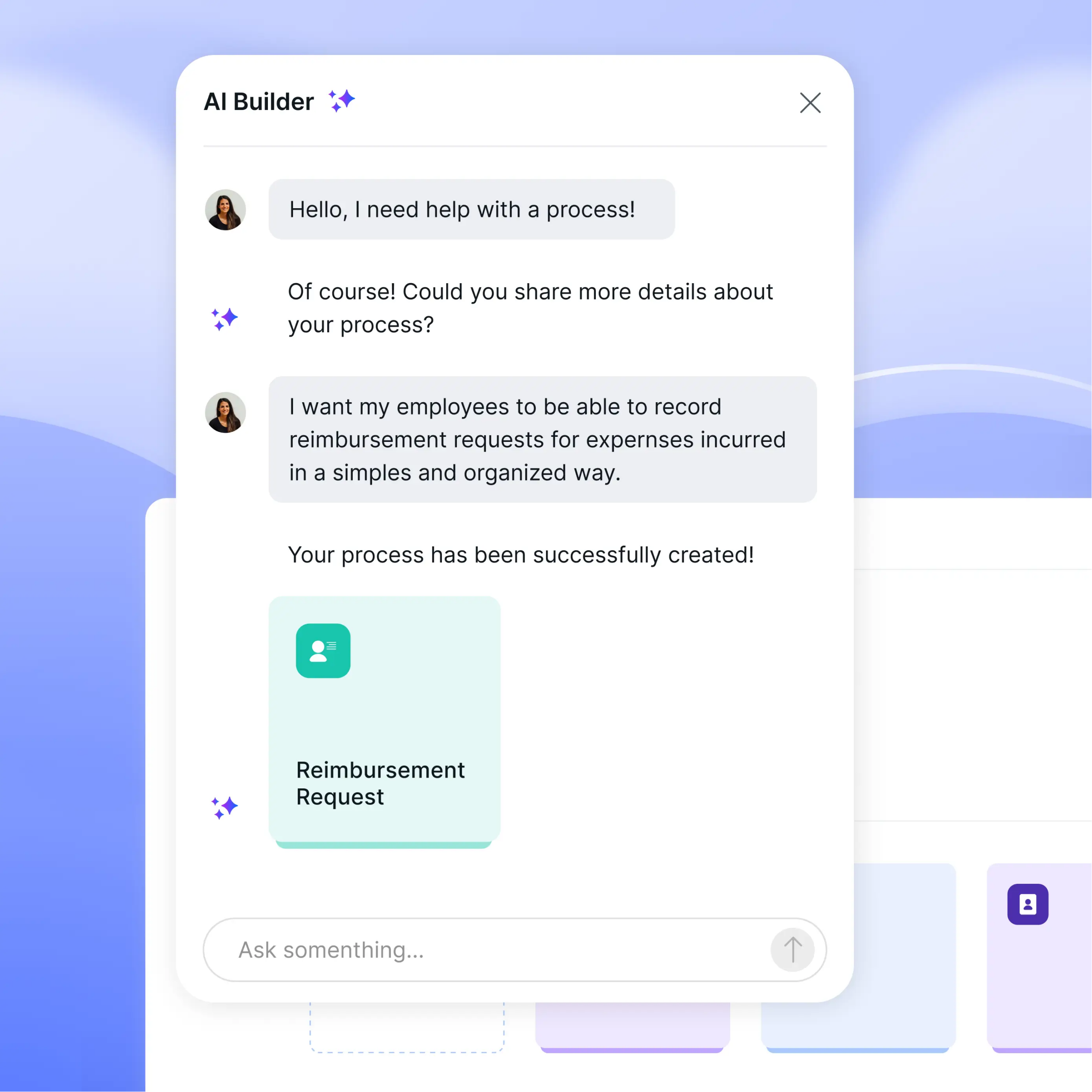
Pipefy’s Starter plan is free and lists up to five processes, ten users, and basic automations. Its detailed comparison lists 15 automation jobs a month on Starter. Business pricing is by sales quote. Advanced features such as more processes and conditional logic sit on the paid plans. Check Pipefy’s plans and limits.
Choose it if: the team needs a visible request queue and handoffs. Watch for: free-plan automation limits and the unknown cost of the paid plan.
How to choose without overbuying
- Write one process down. Name its trigger, owner, actions, approval point, and possible failure.
- List your existing apps. Verify that the particular trigger and action exist in the tool you are considering.
- Estimate monthly runs. Multiply expected requests by the actions or credits a run would consume. Check what happens at the limit.
- Assign a maintainer. Someone must reconnect expired accounts, catch failed runs, and update a workflow when a form changes.
- Test an exception. Try a blank field, duplicate request, and rejected approval before you rely on the process.
For more examples of routine workflows, see our small-business automation examples. If the main issue is routing and approving files, our document workflow guide goes deeper.
When a simple connection is enough
Start small when one action reliably follows another, such as creating a task from a submitted form. First fix duplicate or missing fields in the source data. Automating an inconsistent spreadsheet only moves errors faster. If you need a better place to store linked client and project records, compare small-business database tools before adding another automation layer.
Get started with business process automation
Pick one repetitive handoff and test it for a week. Record how often it runs, which steps fail, and whether staff still need to correct it manually. Then decide if it should grow into a larger workflow.
Need help organizing the steps first?
Simple Office AI helps small businesses organize spreadsheets, documents, and recurring admin workflows. We can help you set up a clear, manageable starting system.
Frequently asked questions
What is the best business process automation software for a small business?
It depends on the process. Use Zapier for a simple connection, Make for visual branches, Power Automate for a Microsoft-heavy team, n8n when you have technical support, or Pipefy for requests and approvals. Test one real workflow before paying for a large plan.
Can I automate a business process without coding?
Yes. Zapier, Make, and Pipefy all provide visual setup for many workflows. You still need to define the steps, check app permissions, and decide what a person should do when automation fails.
How much does business process automation software cost?
These tools do not use one pricing unit. Some offer limited free plans; paid plans can charge per task, credit, execution, or user, while others give custom quotes. Estimate a month of actual requests and check the vendor’s current terms.
What should I automate first?
Choose a frequent, repeatable handoff that already has clear rules, such as copying a form submission into a client list and assigning a follow-up. Leave unusual cases for a person until you understand them.
Can Excel or Google Sheets be part of the workflow?
Yes, where a supported integration allows it. Decide which file or system is the source of truth, then test duplicate records and edits by more than one person before relying on the automation.