
A customer relationship management (CRM) tool helps you keep contacts, deals, notes, and follow-up tasks in one place. But a freelancer or five-person service business does not need the same setup as a large sales department.
This guide compares five options for small teams that want to stop losing track of leads without spending weeks configuring software. It focuses on everyday work, limits, and the questions to check before paying. Prices and plan limits can change, so confirm them on each vendor’s website.
Quick comparison
| CRM | Best fit | What to check |
|---|---|---|
| HubSpot CRM | Teams that want to start with free CRM tools and expand later | Which features require a paid Sales Hub seat or another Hub |
| Bigin by Zoho CRM | Solo workers and small teams needing a visual sales pipeline | Record limits, automation and integration needs |
| Less Annoying CRM | Service businesses that prefer a straightforward contact and follow-up system | Whether its simpler feature set covers your workflow |
| Pipedrive | Teams that actively move leads through sales stages | Add-ons, email features and total seat cost |
| Zoho CRM | Small teams needing more customization | Setup time and which automations are plan-dependent |
1. HubSpot CRM: start small, expand later
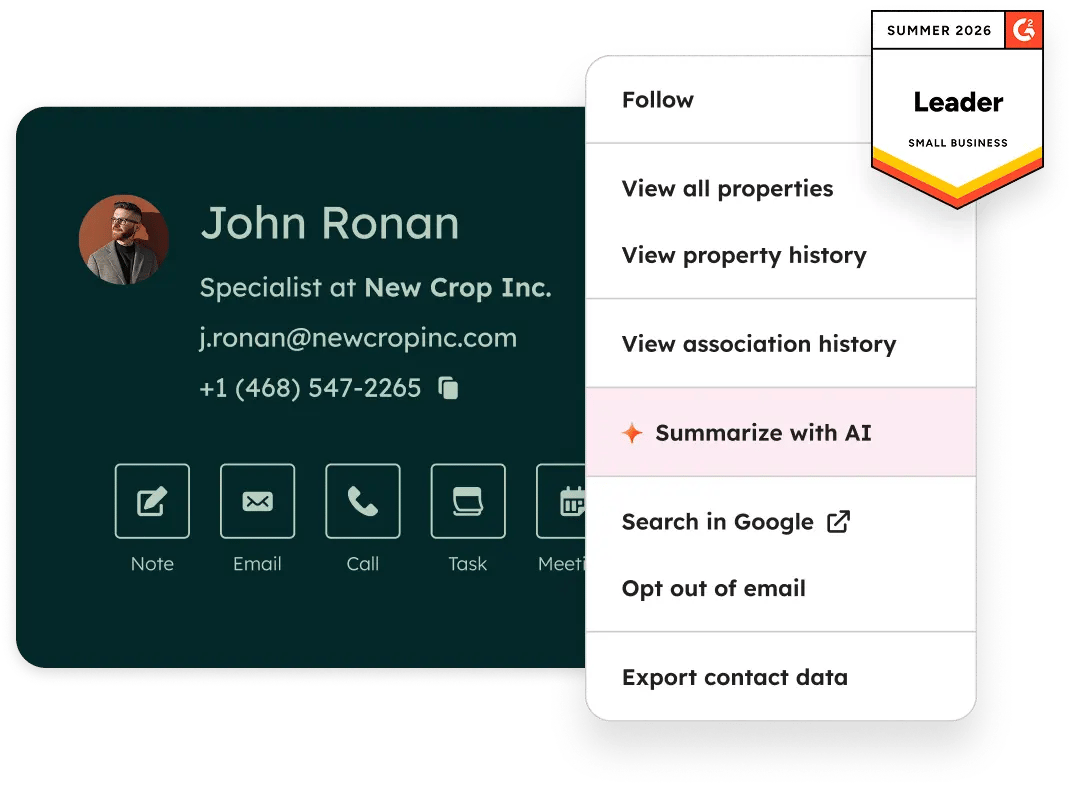
HubSpot brings contacts, deals, tasks, and related sales activity together. Its free CRM tools make it worth considering if you are moving beyond a spreadsheet. The trade-off is that advanced sales, marketing, and automation functions can involve different paid products. Check the exact features and seat requirements before you commit.
2. Bigin by Zoho CRM: a lighter sales pipeline
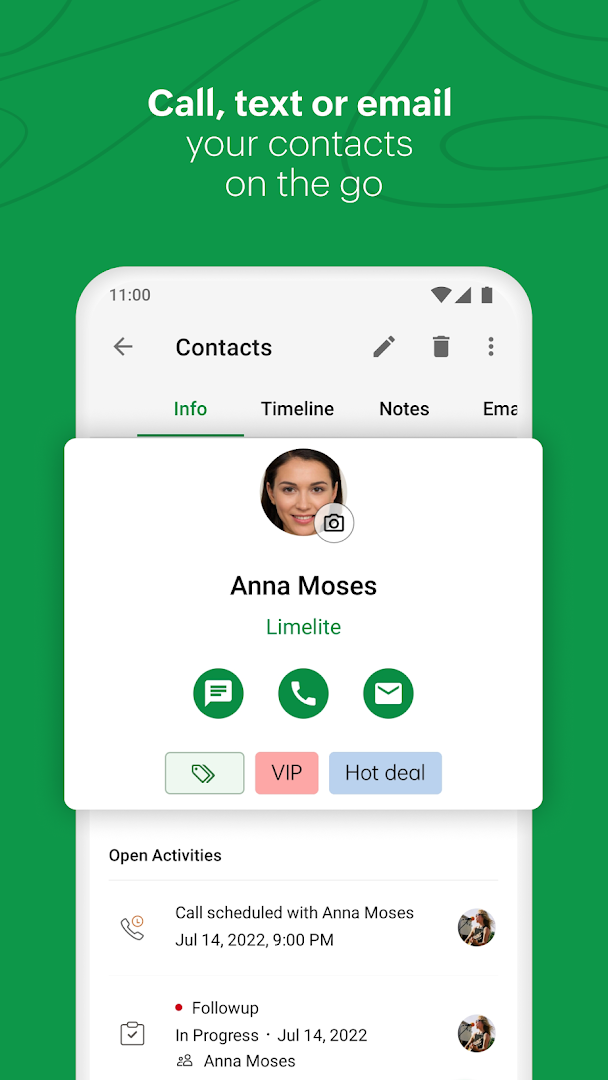
Bigin is aimed at smaller businesses that need a clear way to move prospects from first contact to a completed sale. It may be a better starting point than a more configurable CRM if you mainly need pipeline stages, reminders, and customer records. Check record and workflow limits as your list grows.
3. Less Annoying CRM: keep contacts and follow-ups simple
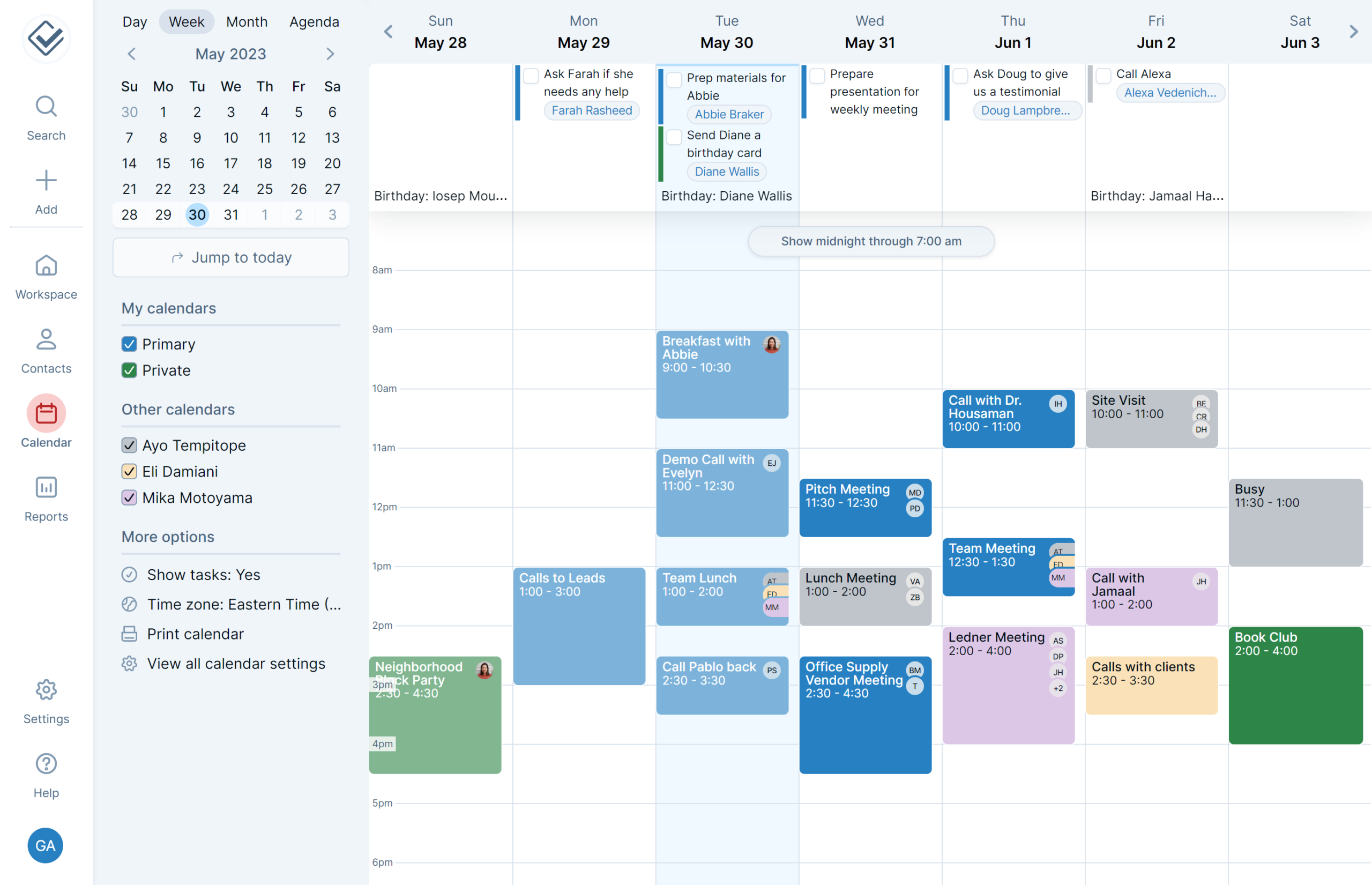
Less Annoying CRM focuses on contacts, calendars, tasks, and pipelines without the broad marketing platform found in some competitors. It is worth comparing if your business mostly follows up with existing clients and referrals. Check whether you need native marketing automation or more complex reporting before choosing it.
4. Pipedrive: manage active sales opportunities
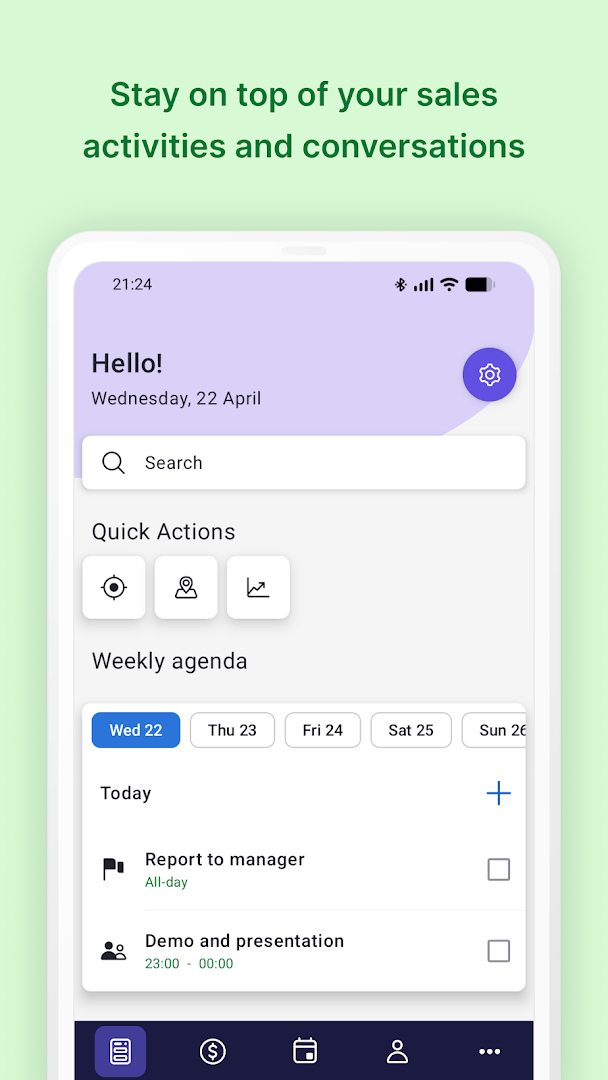
Pipedrive is built around a visual sales pipeline. It fits businesses where leads regularly move through defined stages such as inquiry, quote, negotiation, and won. If you mainly store customer details rather than manage deals, its sales-first design may be more than you need. Compare the cost of any required add-ons.
5. Zoho CRM: more room to customize
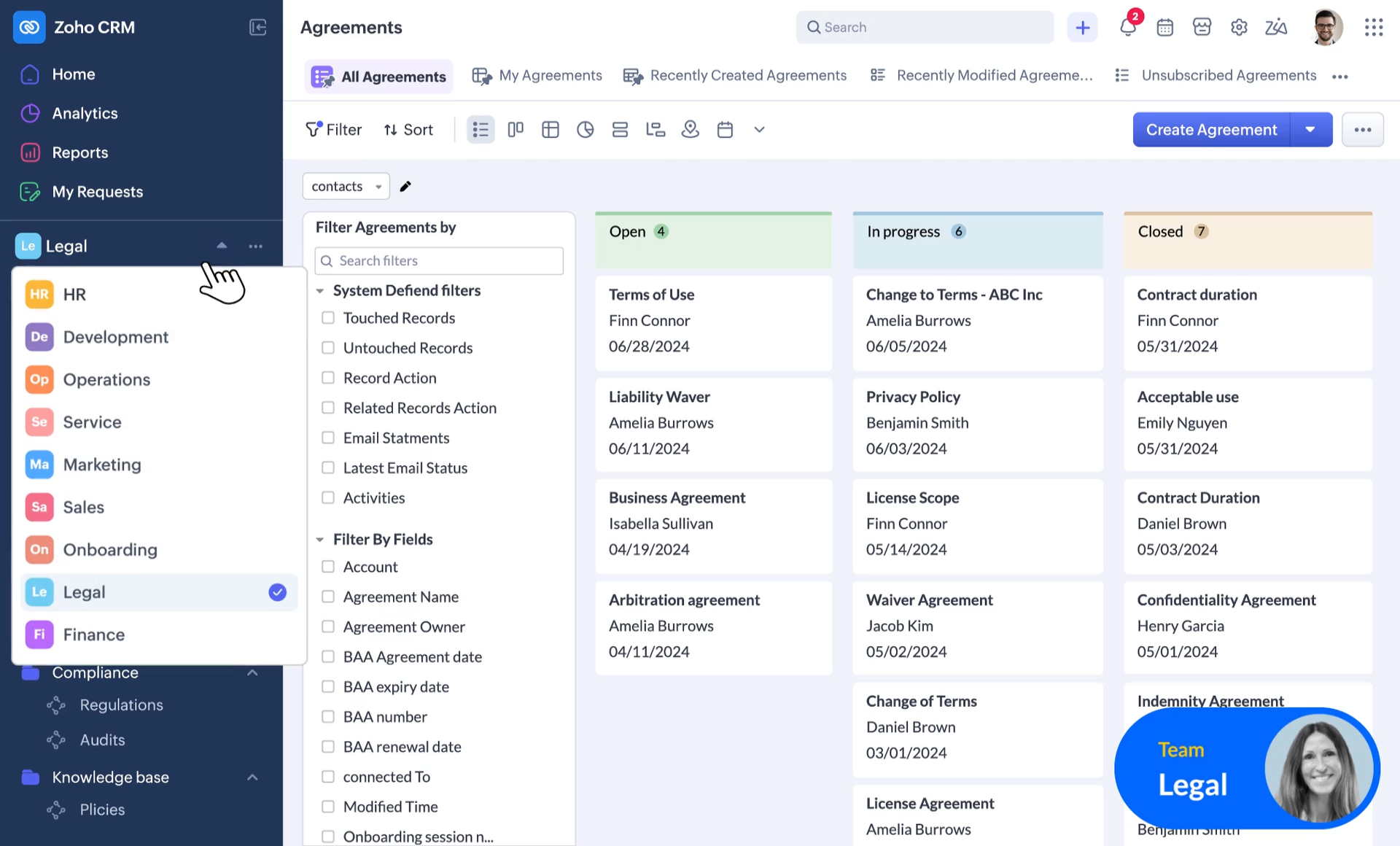
Zoho CRM offers more extensive configuration and automation possibilities. That can help when different team members manage leads, customers, and reporting. It also means setup may take longer than with a simpler tool. Start with a short list of required workflows instead of turning on every feature.
How to choose a CRM for your small business
- Write down the problem. Are leads being forgotten, customer details scattered, or quotes not followed up?
- Count the people who need access. Check total monthly or annual cost, not only the advertised per-user rate.
- Test one real workflow. Add a lead, create a follow-up, move the deal, and find the history a week later.
- Check exports and integrations. You should be able to retrieve your contacts and connect the tools you already use.
- Keep it small at first. Import a clean sample before moving every customer record.
When a spreadsheet is enough
If you handle a small number of clients and can reliably track the next action, a spreadsheet may still be sufficient. Our free client tracker spreadsheet is a practical starting point. A CRM becomes more useful when multiple people need the same history, follow-ups are missed, or you need a shared pipeline.
Frequently asked questions
What is the easiest CRM for a small business?
That depends on the task. For straightforward contacts and reminders, compare Less Annoying CRM and Bigin. For a sales pipeline, test Pipedrive. Use a trial or free tier with your own workflow before deciding.
Can I use a CRM for free?
Some providers offer free CRM tools or limited free plans. Check current user, record, and feature limits on the official pricing page.
Is a CRM better than Excel or Google Sheets?
A spreadsheet works for basic tracking. A CRM can add shared activity history, reminders, permissions, and a structured sales pipeline. The right choice depends on the number of people and follow-ups involved.
What should I check before moving client data?
Check access permissions, data exports, import formatting, privacy requirements, and how duplicate records are handled. Test with sample data first.
How much should a small business spend on CRM?
Set a budget based on the number of users and the features you actually need. Compare the full cost of the plan and add-ons rather than selecting a tool by its lowest advertised price.
Editorial note: This comparison is based on published product information, not hands-on testing. No affiliate relationship or discount is claimed here.
[…] If you need a lead pipeline, deal stages, automated email logging, or sales forecasting, use a CRM instead of stretching this tracker into a system it was not designed to be. See our customer data management software comparison when you are ready to compare dedicated CRM and database options. For a contact-and-follow-up shortlist, compare our simple CRM options for small businesses. […]