
When customer questions arrive through email, contact forms, chat, and other channels, it becomes easy for a small team to lose track of requests.
Help desk software puts those requests in one place. Instead of relying on one person to remember every conversation, your team can turn requests into tickets, assign them, track their status, and see what still needs attention.
Start with your support workflow: count the people who need access, list the channels customers use, and decide whether you need a shared inbox or a structured ticket queue. Test assignment, replies, search, and closing a request before committing to a plan.
This guide compares five help desk options for small businesses in 2026: Freshdesk, Zoho Desk, Help Scout, HubSpot Service Hub, and Zendesk. The focus is on price, useful support features, setup needs, and the type of small team each option fits.
Pricing was checked in September 2026. Software pricing and plan limits can change, so verify the current plan before subscribing.
Quick comparison: help desk software for small business
| Software | Good fit for | Free option | Starting paid price* |
|---|---|---|---|
| Freshdesk | Small teams that want structured ticketing | Trial available | $19/agent/month |
| Zoho Desk | Very small teams starting on a limited budget | Yes, up to 3 agents | Check current regional pricing |
| Help Scout | Small support teams that prefer a shared inbox | Yes, up to 5 users with usage limits | $25/user/month |
| HubSpot Service Hub | Businesses already using or considering HubSpot CRM | Yes, up to 2 users | From $7/seat/month annually |
| Zendesk | Teams that expect more complex support needs | No permanent free plan listed for Support Team | $19/agent/month annually |
*Starting prices checked on official vendor pages in September 2026. Billing periods, promotions, add-ons, AI usage, taxes, and regional pricing can change the final cost.
What does help desk software actually do?
A help desk gives your business a central place to manage customer questions and problems.
Imagine three people share a support email address. A customer sends a question about an invoice. One employee reads it but does not answer immediately. Another employee sees the same email later and assumes somebody already handled it.
A ticketing system makes the status clearer. A request can be assigned to a specific person, marked open or resolved, categorized, tracked until someone responds, and stored with the previous customer conversation.
Many platforms also include automation, saved replies, reporting, knowledge bases, live chat, customer portals, and AI features. A small business does not necessarily need all of them. The first goal is usually simpler: stop customer requests from getting lost.
1. Freshdesk
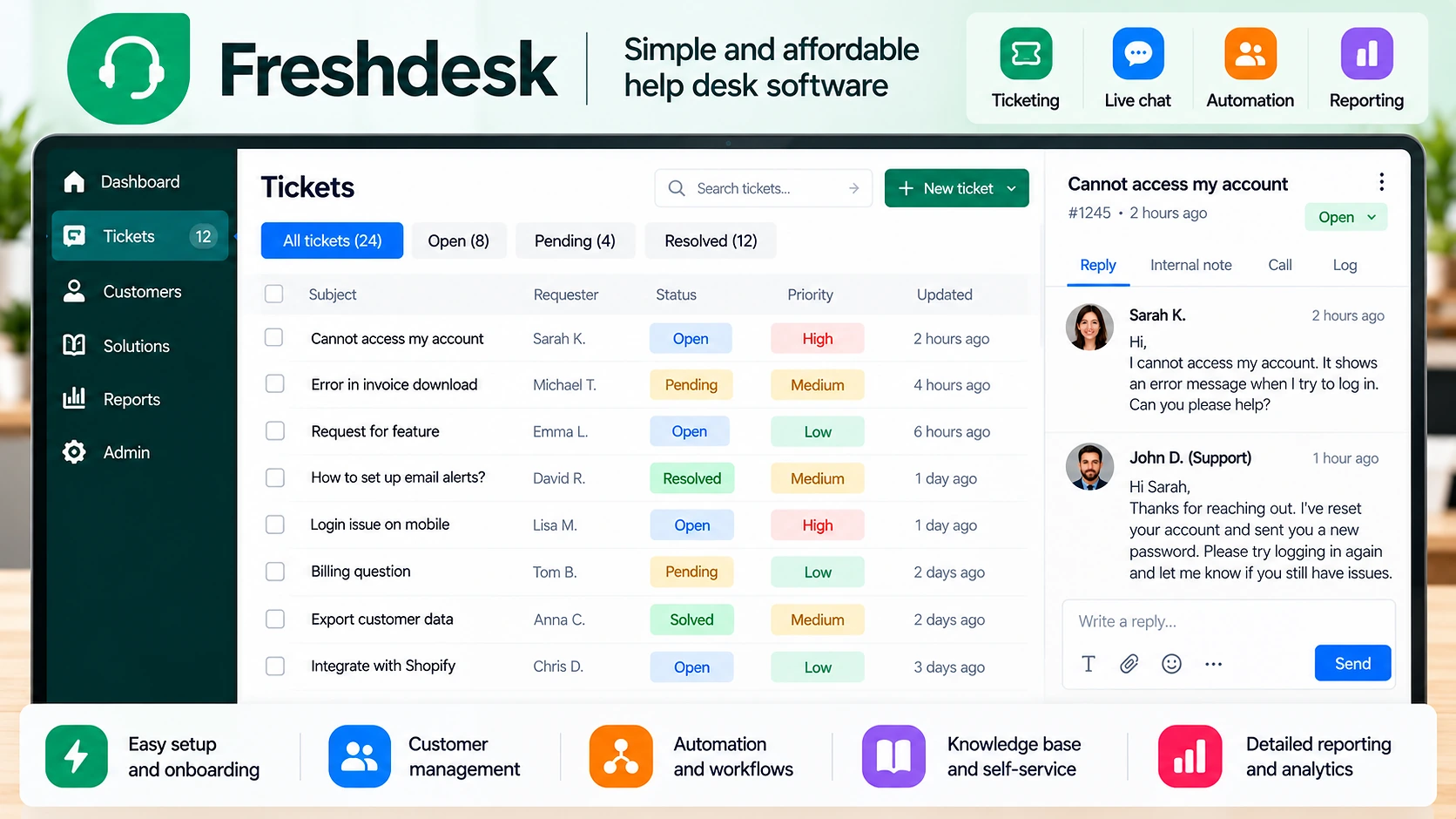
Freshdesk is a conventional help desk platform built around ticketing and a shared support inbox.
Its Growth plan is listed at $19 per agent per month when billed annually. It includes ticketing, a shared inbox, customer portal, knowledge base, analytics and reporting, tasks, and roles and permissions.
Where Freshdesk fits
Freshdesk makes sense when several people need to handle the same support queue and you want clear ownership of each request. A small service business can send messages from its main support address into Freshdesk so incoming requests become tickets instead of ordinary emails scattered through an inbox.
What to watch
Freshdesk becomes more expensive as you add agents or move into higher plans. Start with the features you actually need rather than choosing a higher plan because it has a longer feature list.
Freshdesk may fit your business if: you want traditional ticketing with a clear path to more advanced support features later.
2. Zoho Desk
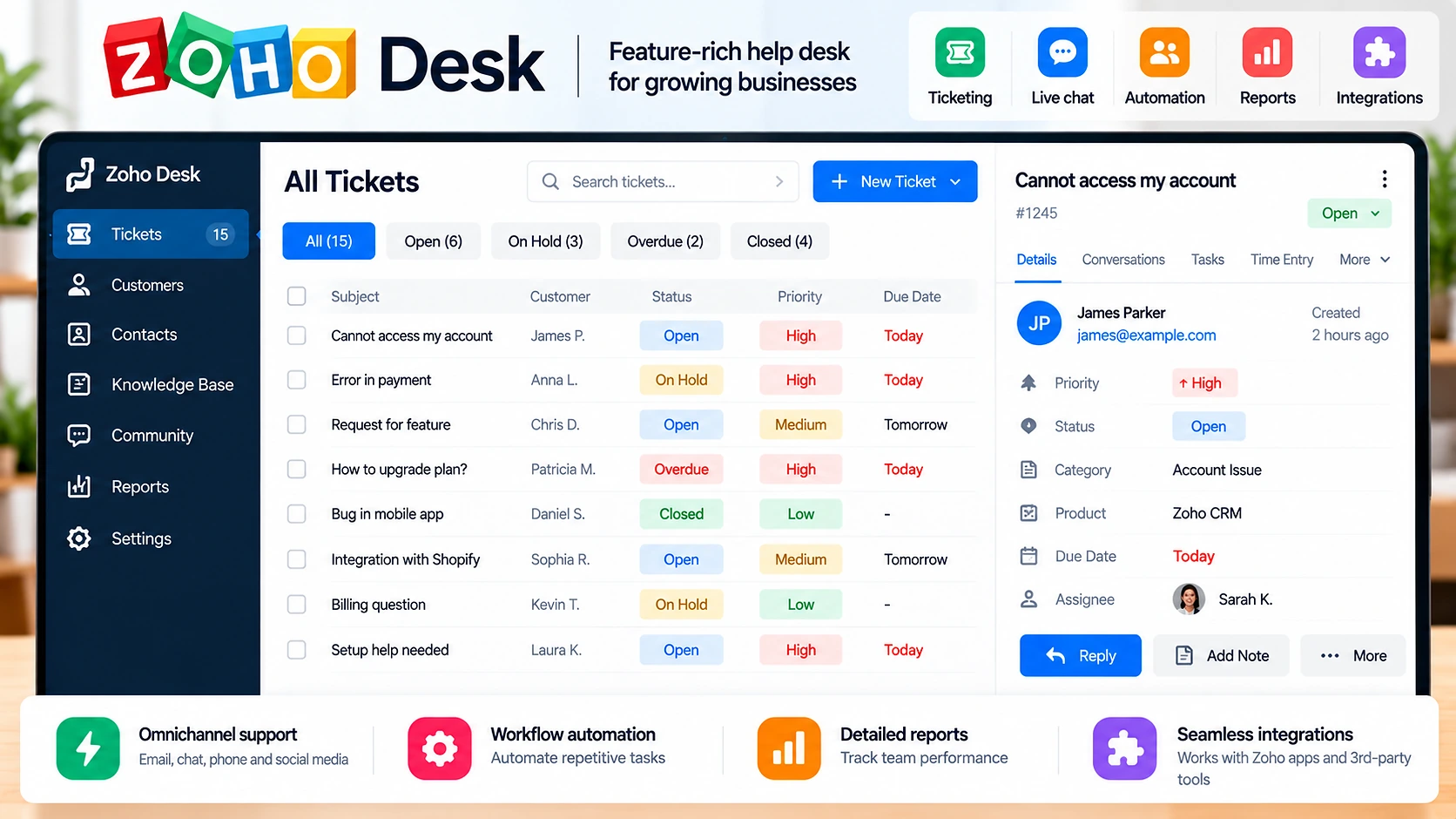
Zoho Desk is worth considering when the initial software budget is small.
Its free plan supports up to three agents. According to Zoho, the free plan includes one support email address, web forms, a help center, basic SLA functionality, macros, email templates, and mobile apps.
Where Zoho Desk fits
A two-person business may not need advanced routing, complex analytics, or a large customer-service platform. It may simply need to know which requests are open, who is handling them, and what was previously discussed.
Zoho Desk is also relevant for businesses already using other Zoho products because it sits inside the wider Zoho ecosystem.
What to watch
The free edition is limited. As your support operation becomes more complicated, you may need paid features. Identify the limitation that is actually preventing your team from working efficiently before upgrading.
Zoho Desk may fit your business if: you have three or fewer support agents and want basic help desk functions without immediately adding another monthly subscription.
3. Help Scout
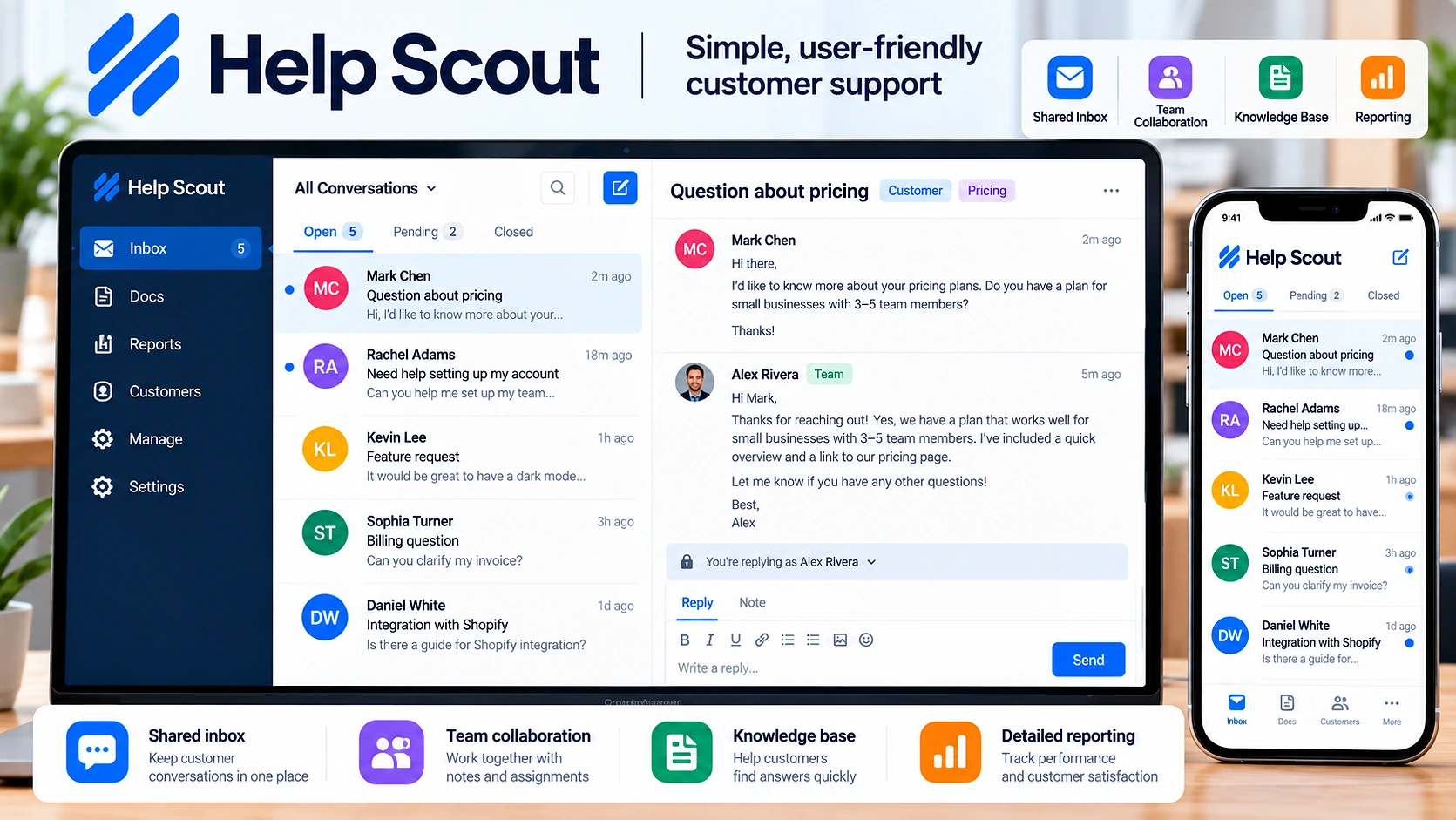
Help Scout takes a shared-inbox approach that can feel familiar to teams used to handling support through email.
Its current free plan allows up to five users, with a limit of 100 contacts per month. Help Scout’s Standard plan is listed at $25 per user per month.
Where Help Scout fits
Help Scout can make sense when you want more organization than a normal shared inbox without making the support process unnecessarily complicated. A small agency can keep project, invoice, revision, and account-access questions in one shared support workspace.
What to watch
Do not look only at the five-user allowance on the free plan. The 100-contact monthly limit can matter more than the number of users. Expected support volume should be part of your decision.
Help Scout may fit your business if: you want a simple shared-inbox experience and your support workflow is still relatively small.
4. HubSpot Service Hub
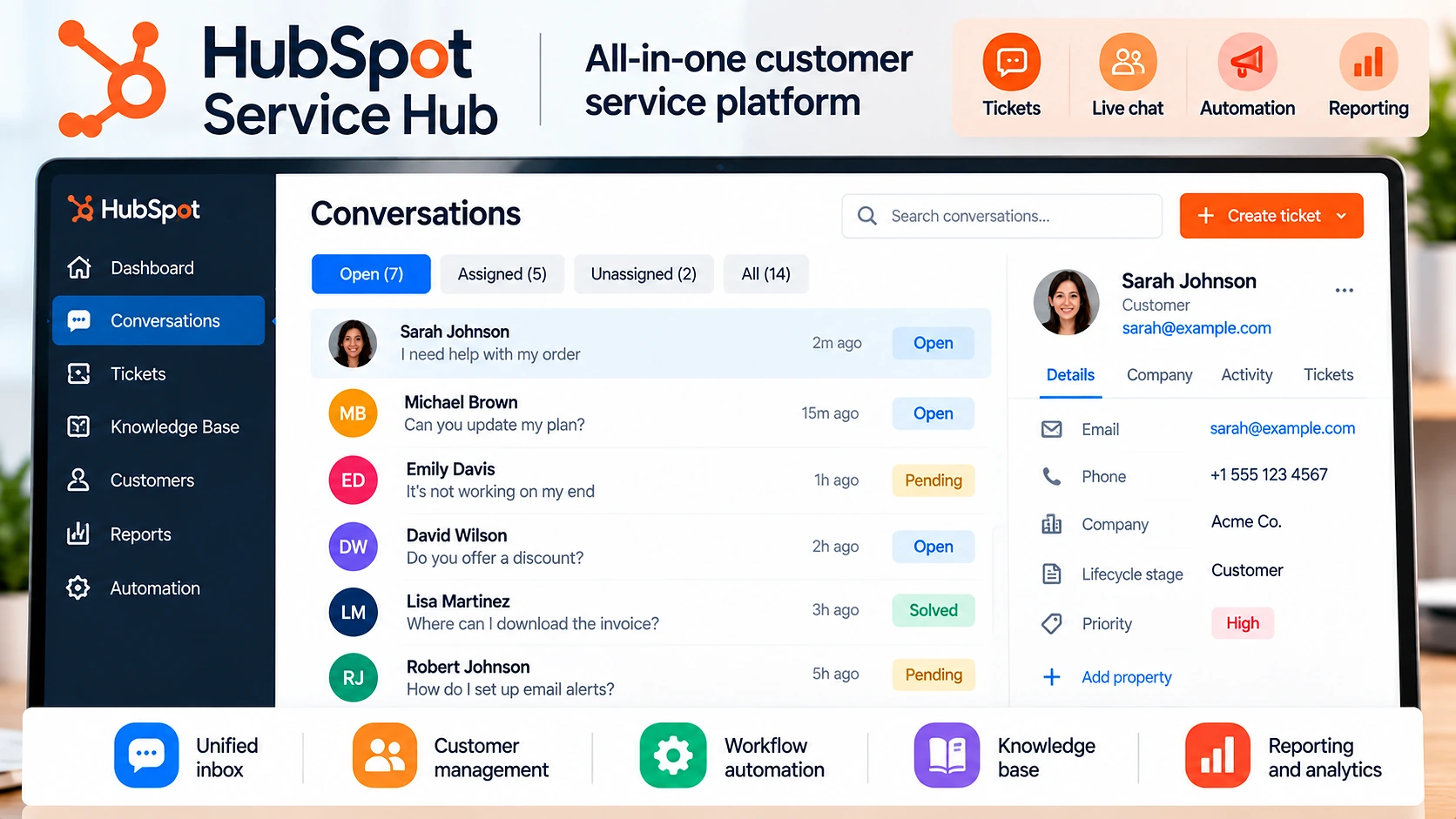
HubSpot Service Hub is different from a standalone help desk because customer support can sit alongside HubSpot’s CRM and other business tools.
The current free offering is available for up to two users. HubSpot lists Service Hub Starter from $7 per seat per month with annual billing, although promotional pricing and packaging can change.
Where HubSpot Service Hub fits
The main reason to consider HubSpot is not simply cheap ticketing. It becomes more useful when the same business wants customer records, sales activity, and service conversations connected in one system.
What to watch
Higher service tiers cost considerably more than the entry plan. Before adopting HubSpot only for support, decide whether you actually benefit from the wider HubSpot platform.
HubSpot Service Hub may fit your business if: you want help desk functions connected with a CRM rather than another isolated support system.
5. Zendesk
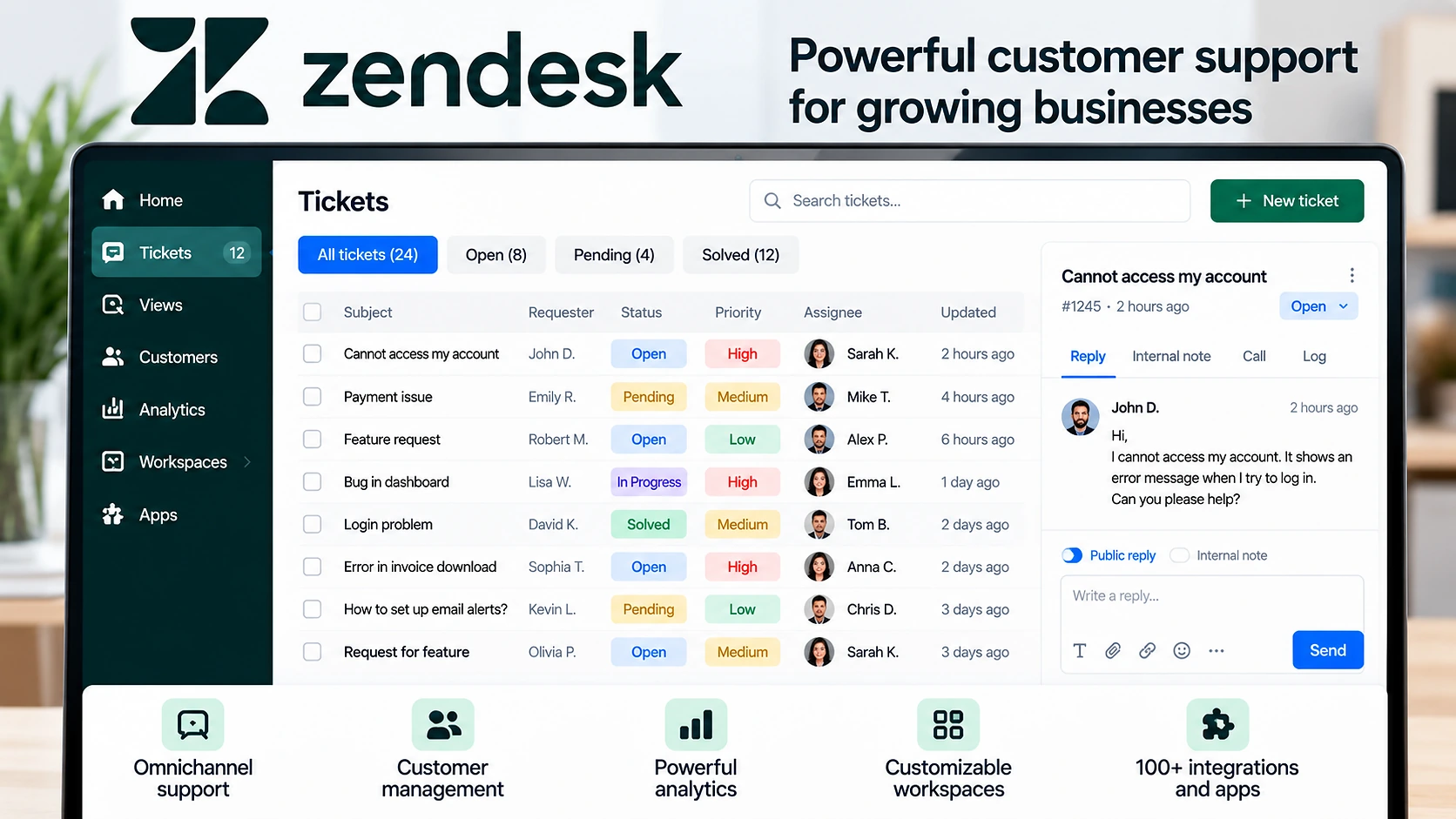
Zendesk is a customer-service platform with options ranging from basic ticketing to broader multi-channel support.
The current Support Team plan starts at $19 per agent per month when paid annually. It includes email and ticketing, ticket routing, prebuilt analytics dashboards, pre-written responses, customer context, automations, and triggers.
Where Zendesk fits
Zendesk is worth considering when you expect your support operation to become more structured or complex. A growing company may eventually need routing rules, automation, multiple support channels, reporting, or knowledge management.
What to watch
More capability also means more configuration and cost. A two-person business that simply needs to organize support email may not need a broader customer-service suite yet.
Zendesk may fit your business if: your current process is simple but you expect ticket volume, channels, or support requirements to become more complex.
Which help desk should a small business choose?
There is no reason to pay for the largest platform if your main problem is simply a disorganized support inbox.
- If keeping initial cost low matters most: look at Zoho Desk’s free plan.
- If you want straightforward ticket management: compare Freshdesk with Zoho Desk.
- If your team prefers an email-like shared inbox: look at Help Scout.
- If you already use HubSpot or need CRM and support connected: look at HubSpot Service Hub.
- If you expect a more complex customer-service operation: include Zendesk in your comparison.
How to compare help desk software before paying
1. Count the people who actually need access
Many help desk products charge per agent or user. Calculate the cost using the number of people who really need full access.
2. Estimate your support volume
Look at how many customer conversations you receive in a normal month. This matters when a free plan has usage limits.
3. List the channels you use
Do customers contact you through email, website forms, live chat, social media, or phone? Do not pay for omnichannel support if almost every customer contacts you through one email address.
4. Identify repetitive support work
Write down the tasks your team repeats every week, such as assigning requests, sending the same instructions, asking for missing information, or escalating overdue tickets. Then check whether the plan can simplify those specific tasks.
5. Test the workflow with real examples
Use a free plan or trial when available. Create realistic tickets, assign them, reply, change ticket status, search an old conversation, and try a saved reply or automation if included.
The key question is: Can your team understand what needs attention without creating another complicated system to manage?
Do you need help desk software yet?
Not every small business needs dedicated help desk software. If one person receives only a few customer questions each week, an organized email inbox may still work.
A help desk becomes useful when two people reply to the same customer, nobody knows who owns a request, messages are forgotten, customers repeat information, or you cannot tell how many requests remain unresolved.
If your business is also trying to reduce repetitive admin work, see our workflow automation examples for small business and our business process automation software comparison.
A simple way to start
- Connect your main support email.
- Add the people responsible for answering customers.
- Create only the ticket categories you actually need.
- Add a few saved replies for repetitive questions.
- Decide who owns new tickets.
- Use the system for a short trial period.
- Review what is still causing confusion.
Add automation only after the basic workflow works.
Need help organizing your customer-support workflow?
Simple Office AI helps small businesses organize recurring admin workflows and choose systems that stay manageable as the team grows.
FAQ
What is the best free help desk software for a small business?
Several platforms currently offer free options. Zoho Desk supports up to three agents, Help Scout offers a free plan for up to five users with a 100-contact monthly limit, and HubSpot provides free service tools for up to two users. The better fit depends on your number of support users, ticket volume, and required features.
How much does help desk software cost for a small business?
Entry-level paid plans in this comparison start from roughly $7 to $25 per user or agent per month, depending on the product, billing period, and plan. Costs can rise when you add agents, advanced automation, AI usage, extra channels, or higher-tier features.
Can a small business use Gmail instead of help desk software?
Yes. Gmail or another normal email inbox can be enough when one person handles a small number of customer requests. A help desk becomes more useful when several people answer customers, requests are missed, or ownership is unclear.
What is the difference between a shared inbox and a help desk?
A shared inbox lets several people manage messages from a common address. A help desk usually adds ticket status, assignment, routing, automation, customer history, reporting, and other support-management features.
Do I need a CRM and help desk?
Not necessarily. A help desk manages support requests, while a CRM generally manages customer and sales information across a broader relationship. If you need both functions connected, a platform such as HubSpot may reduce duplicate customer records.
When should I move from a free help desk plan to a paid plan?
Upgrade when a real limitation starts affecting your support process. That might be a user limit, contact limit, missing automation, additional inboxes, reporting, or another feature your team now needs.
Final checklist before choosing
- number of support users
- monthly support volume
- required communication channels
- repetitive support tasks
- knowledge-base needs
- automation requirements
- CRM requirements
- expected growth
- total monthly or annual cost
Then test one or two suitable platforms with real support examples. For a very small team, starting simple is usually easier than implementing a large customer-service system immediately.